Record Professional Vocals At Home with Any Microphone!
Learn the complete process for recording, producing, and mixing professional-sounding vocals—using the gear and space you already have.
One-time payment. Lifetime access. Just $45.
Get Instant Access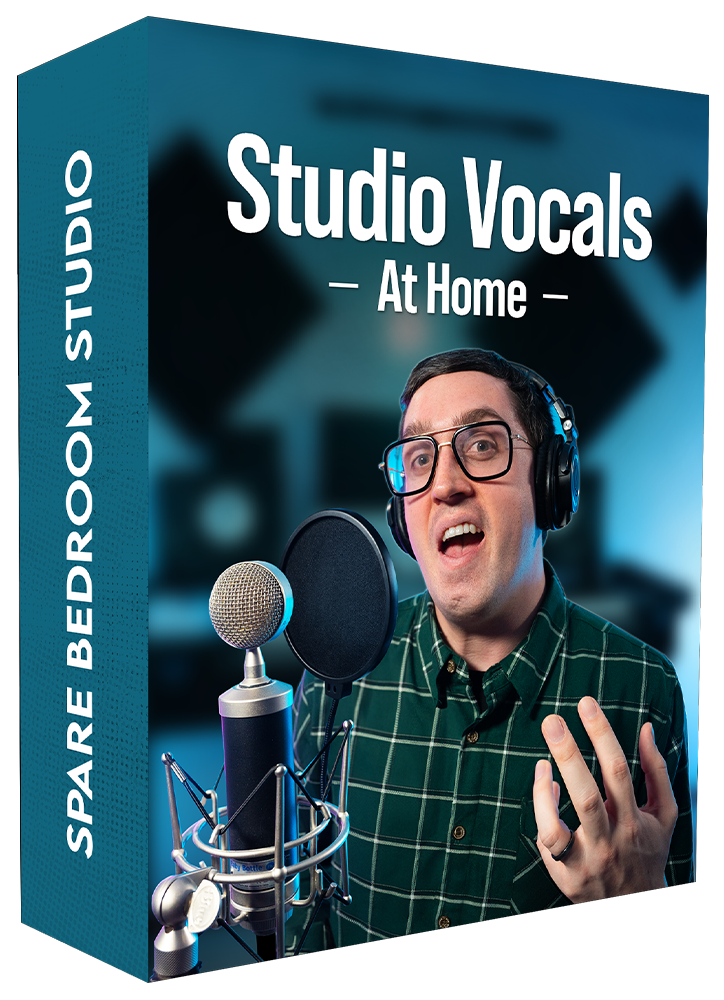
The Studio Vocals At Home Agenda
Master the essential techniques for professional-quality home music recording, broken down into 9 concise and easy-to-understand modules.
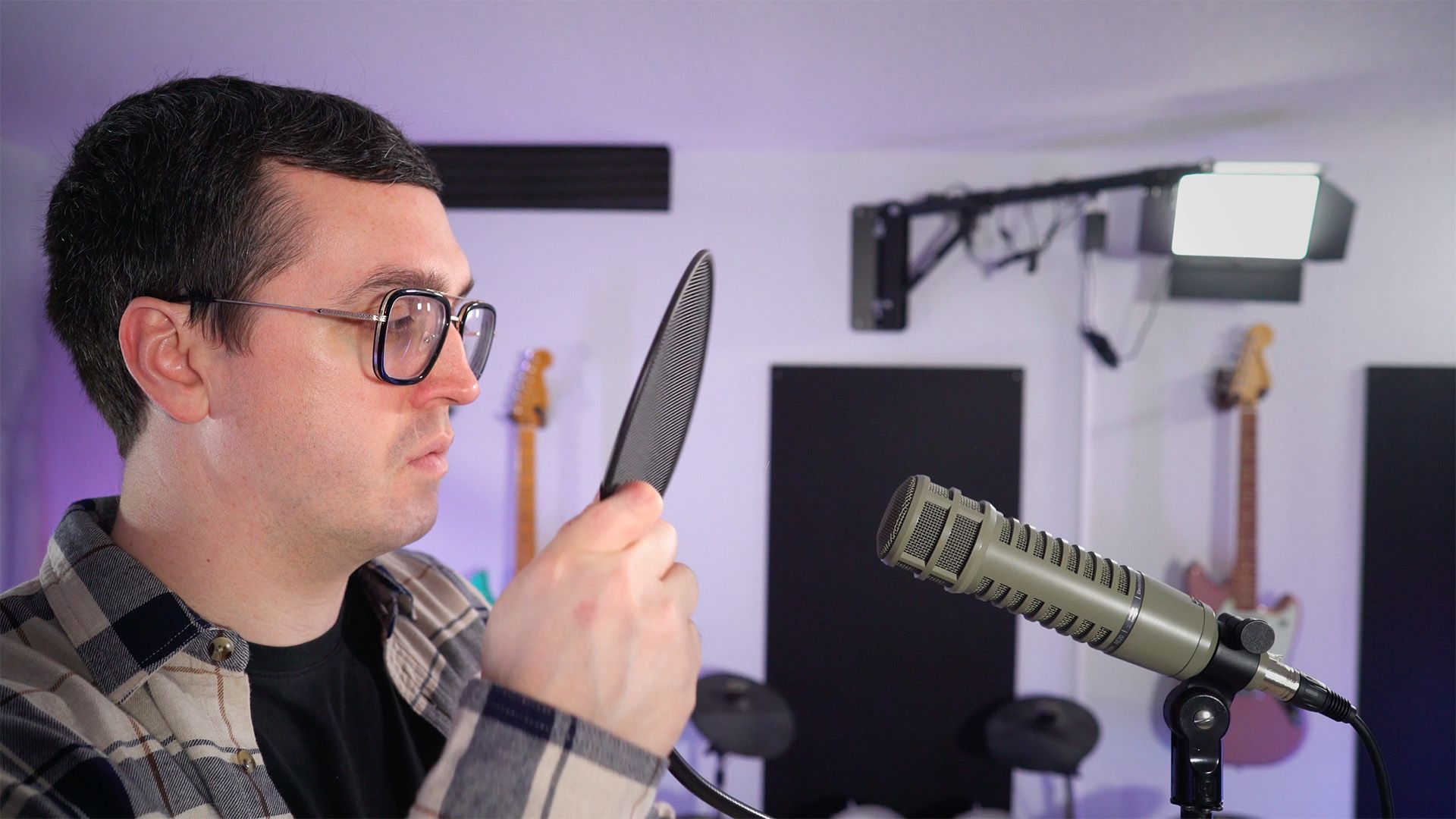
Module 1: Setup For Success
- Choose the right microphone for your voice and budget
- Understand interfaces, preamps, headphones, and essential gear
- Position and set up your microphone correctly
- Avoid the most common home-studio setup mistakes
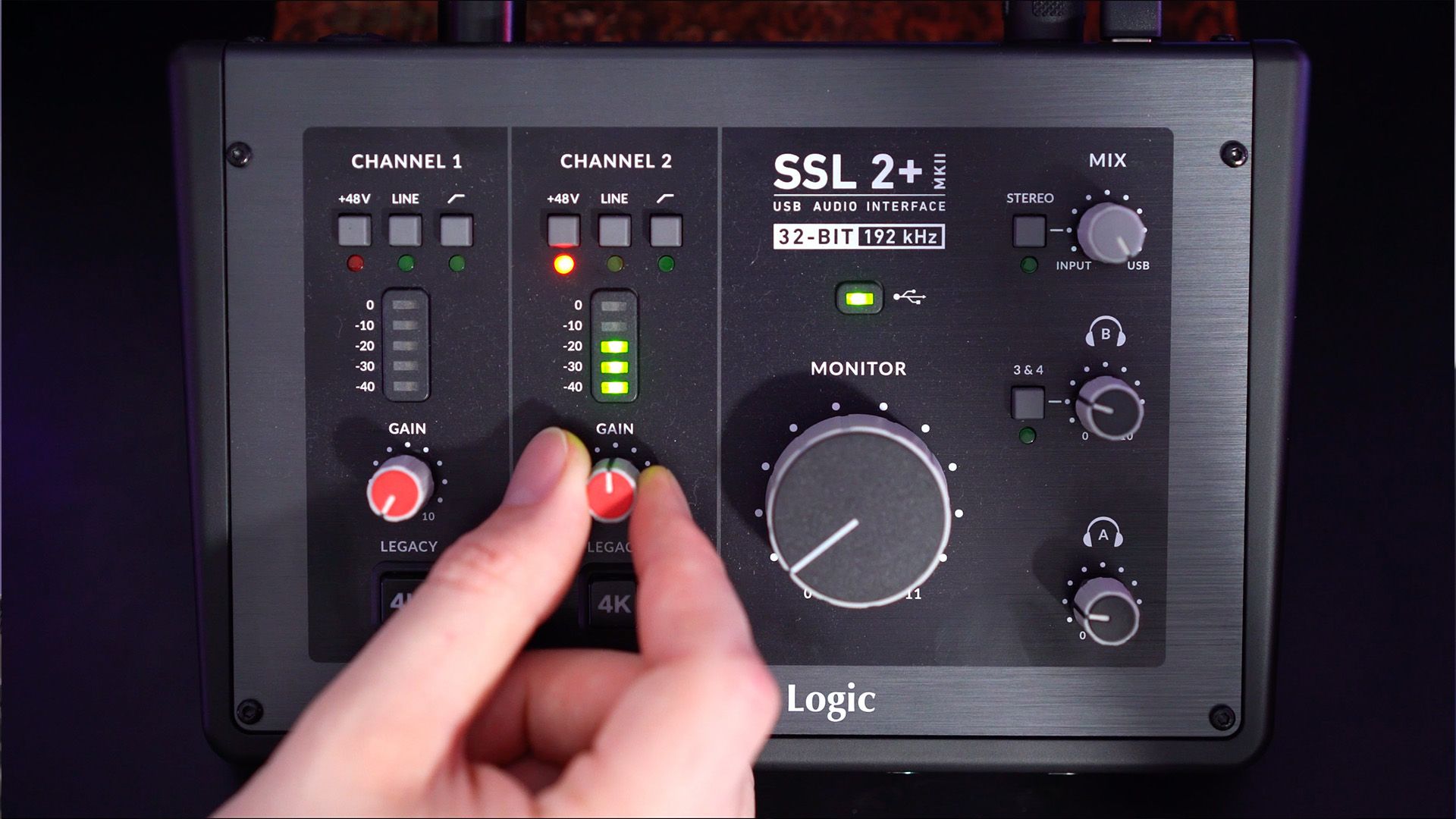
Module 2: Dialing In Your Recording Settings
- Choose the right DAW for your needs and workflow
- Configure the essential settings inside your DAW
- Set your input gain for a strong, clean recording level
- Use proper gain staging throughout your vocal session
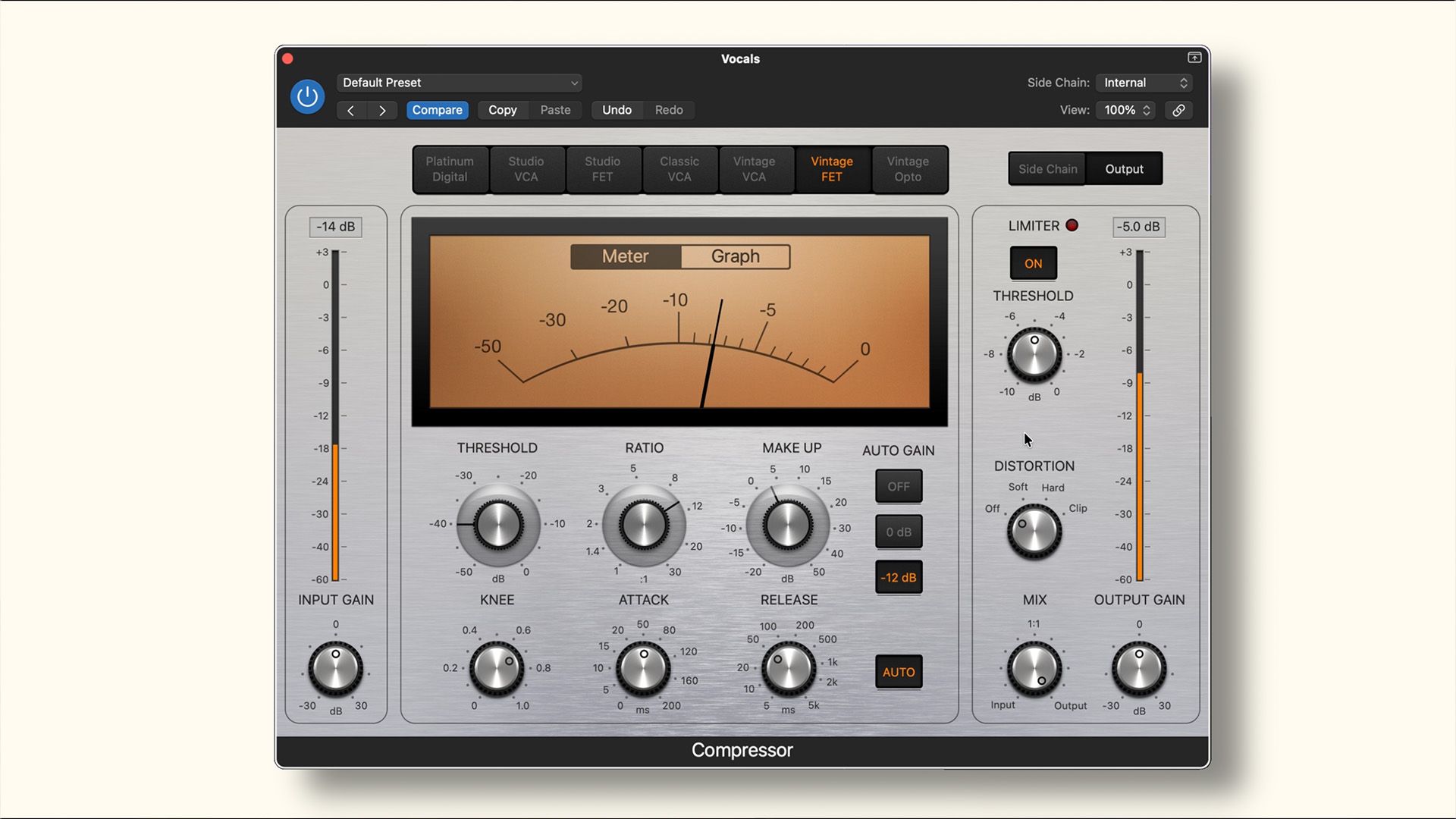
Module 3: Vocal Effects
- Control vocal dynamics with compression
- Shape and balance the vocal tone with EQ
- Reduce harsh sibilance with de-essing
- Create depth and space with reverb
- Add movement and dimension with delay
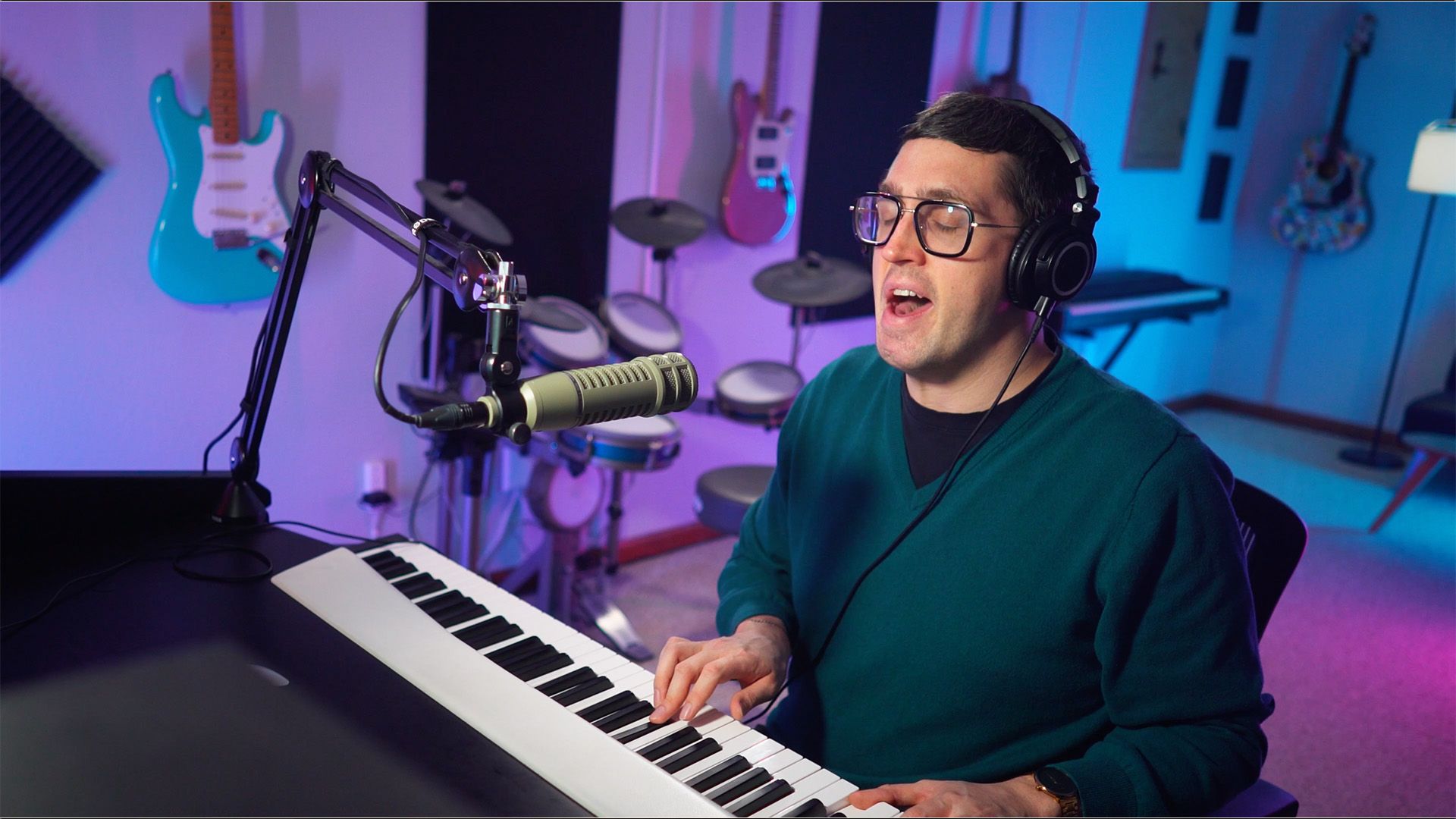
Module 4: Preparing Your Voice
- Warm up your voice safely and effectively
- Understanding the power of practice
- The four key elements - pitch, tone, timing and emotion
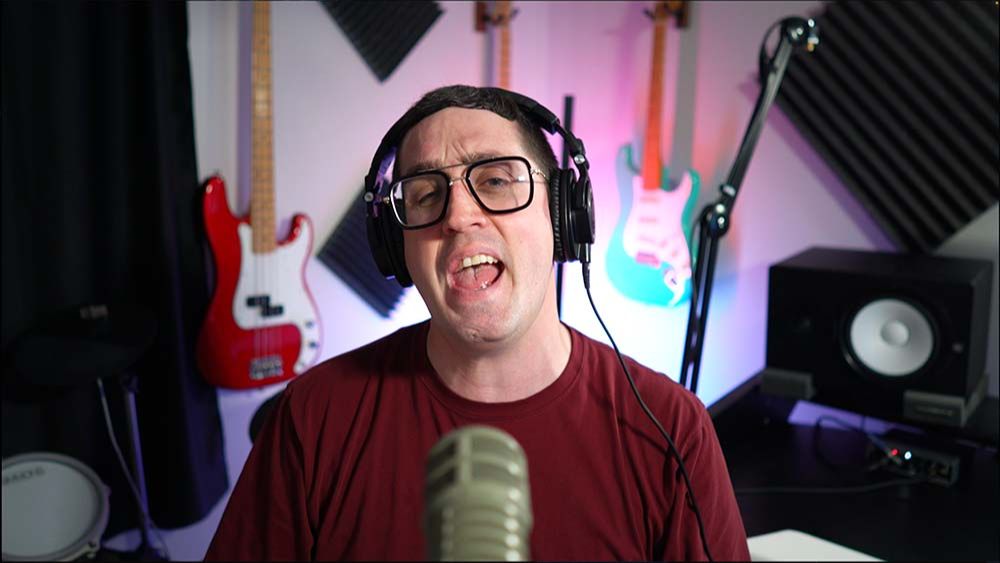
Module 5: Capturing A Great Performance
- Choose between full takes and section-by-section recording
- Staying relaxed, comfortable, and consistent at the microphone
- Recognize when you have recorded the right performance
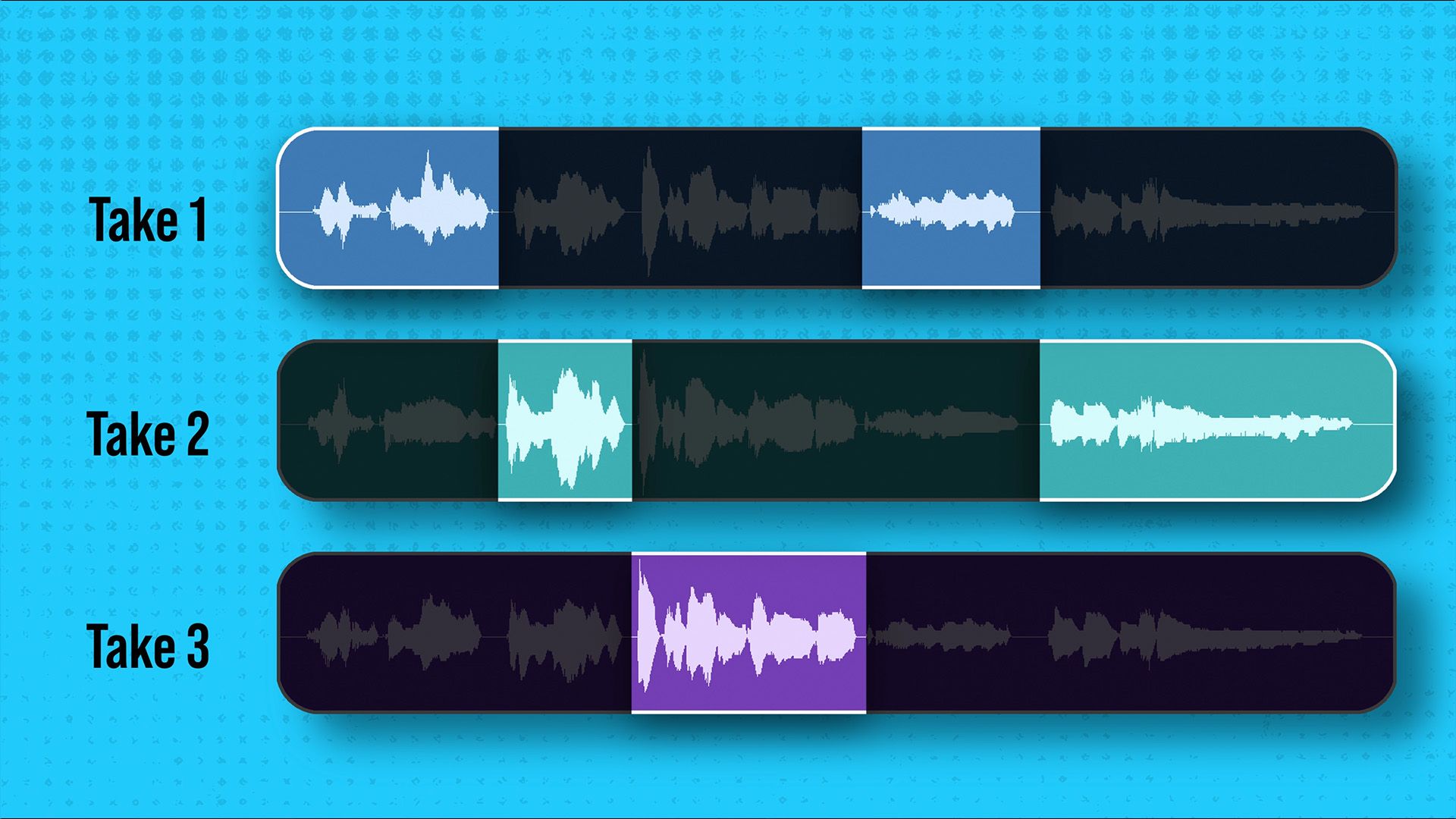
Module 6: Comping Like A Pro
- Creating a magic vocal performance from multiple takes
- Create seamless edits using fades and timing adjustments
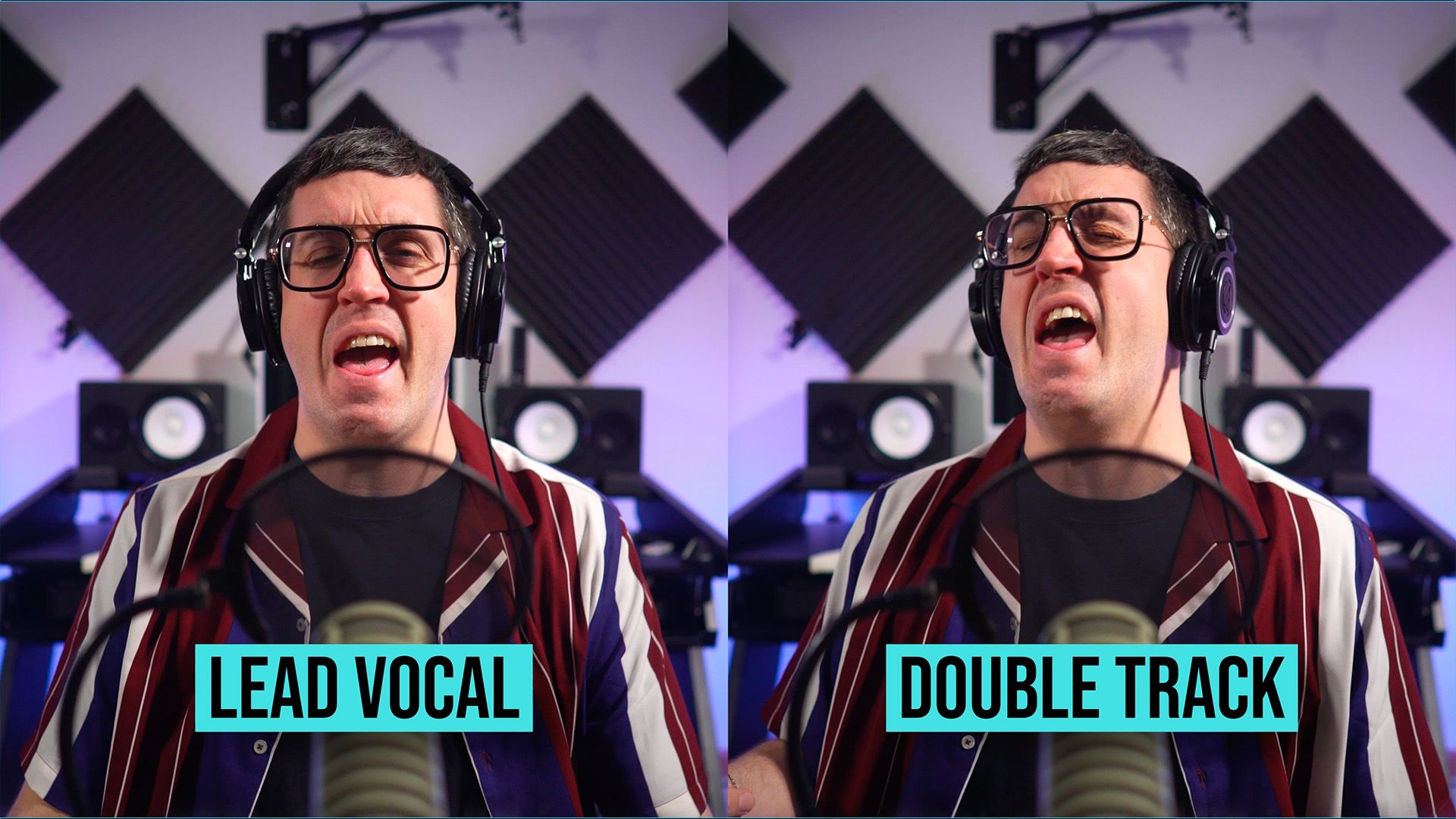
Module 7: Vocal Layers
- Create tight double- and triple-tracked vocals
- Build vocal pads, background parts, and gang vocals
- Decide where vocal layers will have the greatest impact
- Avoid overcrowding your production with unnecessary parts
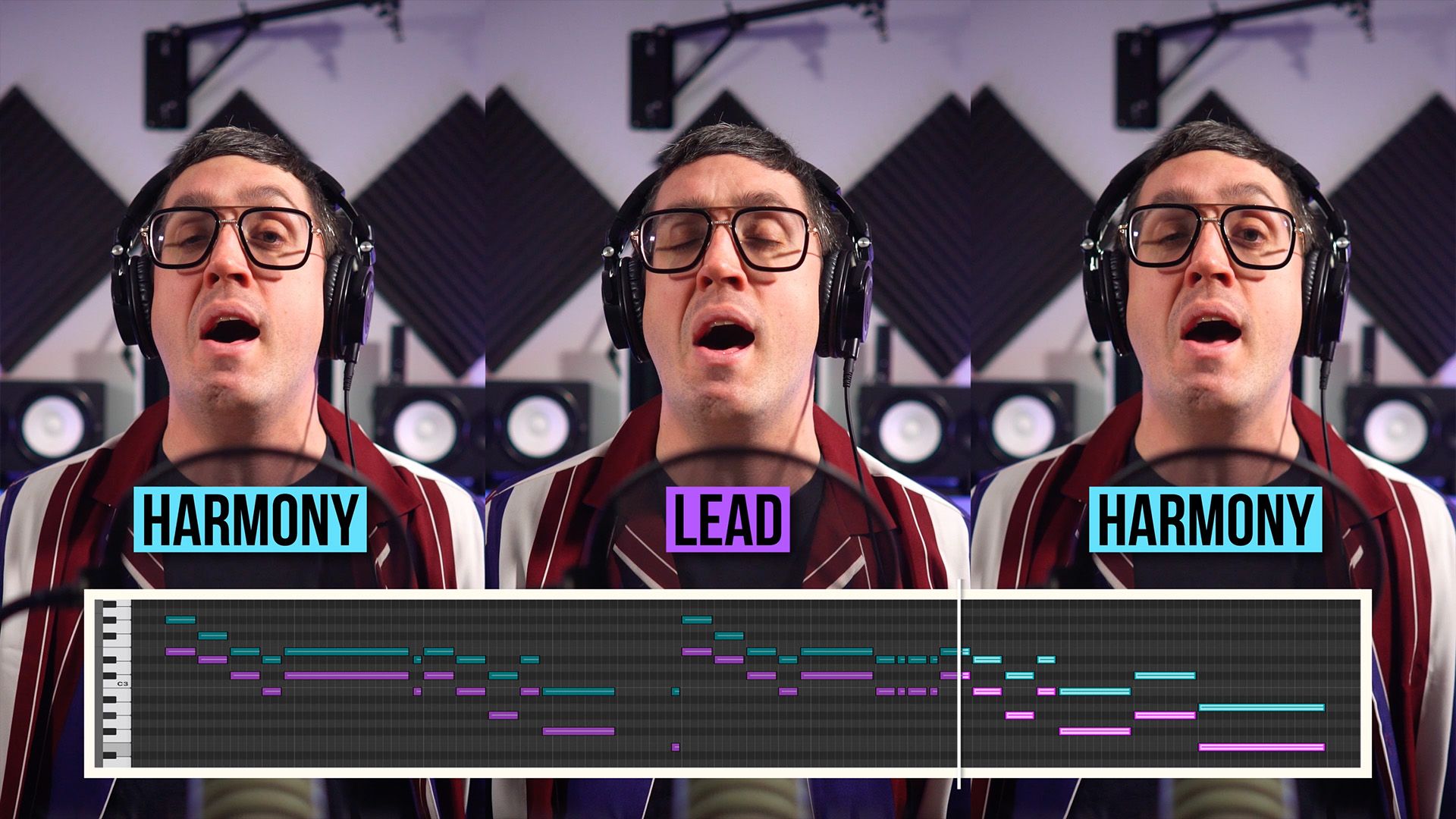
Module 8: Harmonies
- Use parallel, pedal-point, and counterpoint harmonies
- Add high, low, close, and open harmony parts
- Strengthen sections with octaves and supporting vocals
- Arrange harmonies that serve the song
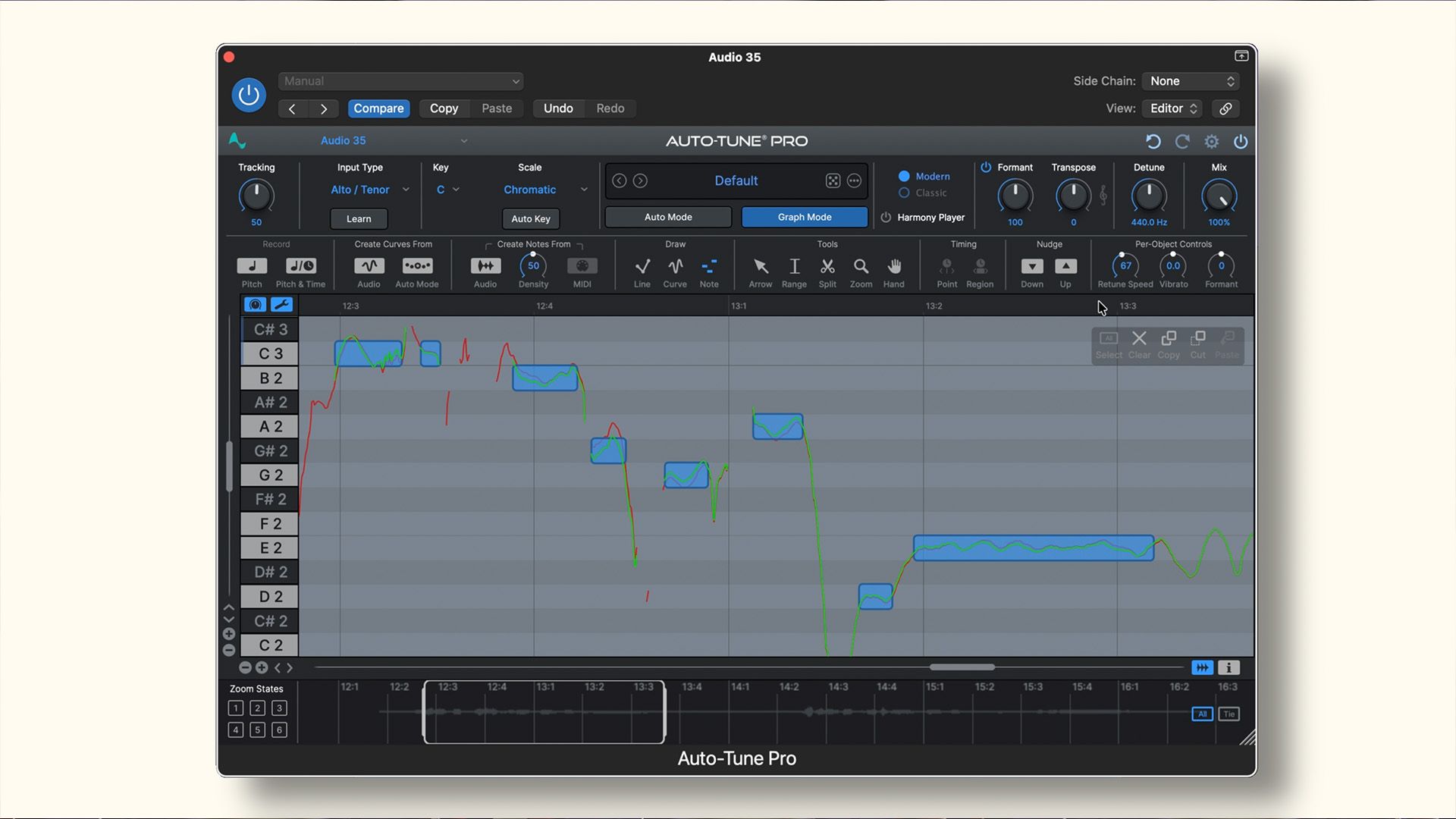
Module 9: Pitch Correction
- Understand how pitch-correction software works
- Use automatic correction for fast, natural results
- Make detailed corrections using graphical editing
- Know when to correct a note—and when to leave it alone
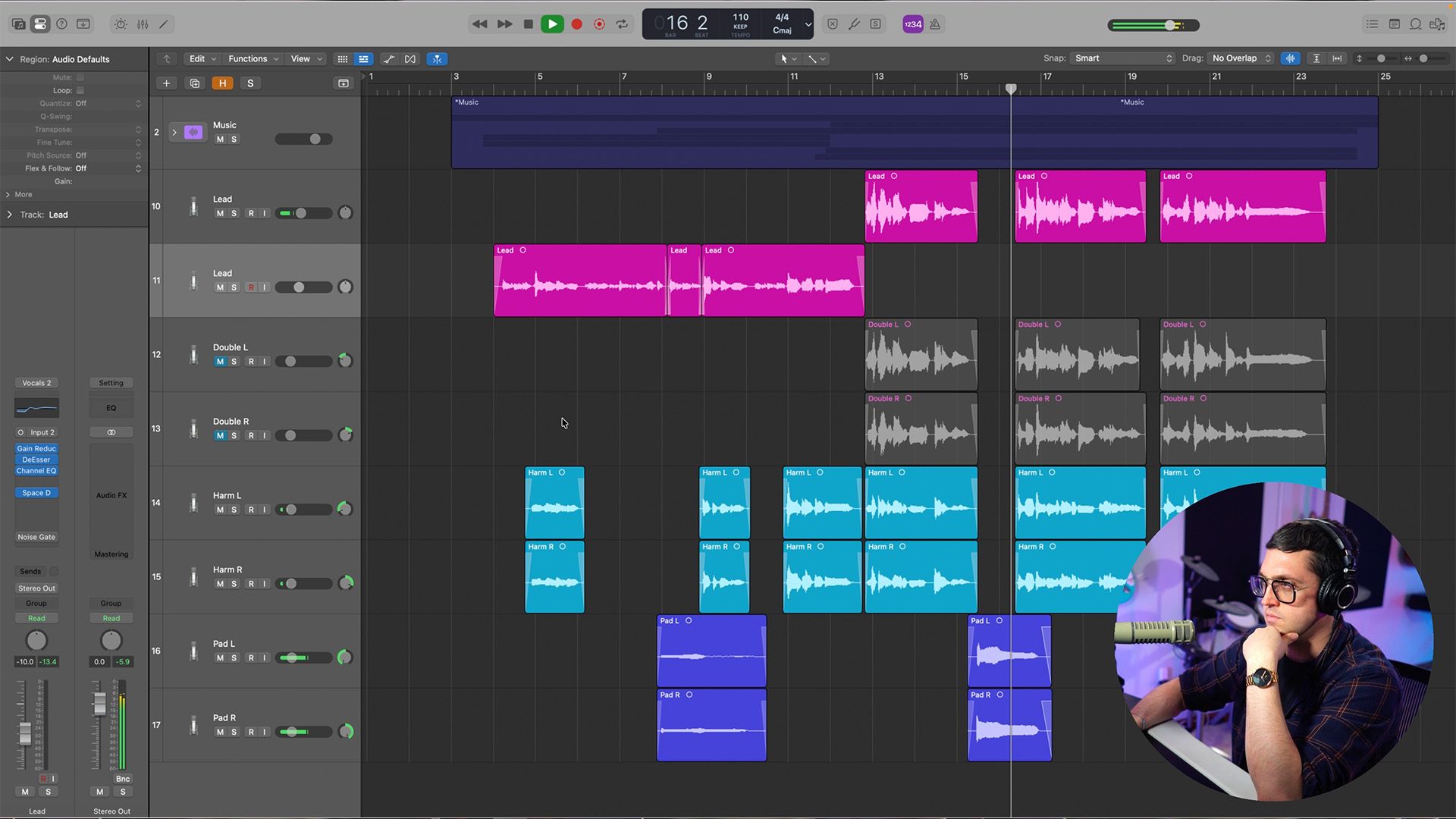
Module 10: Mixing Your Vocals
- Fine-tune your EQ, compression, reverb, and delay
- Balance lead vocals, layers, and harmonies
- Use reference tracks and test your mix on multiple devices
- Recognize when your vocal mix is truly finished
Module 11: Mindset, Mastery & Momentum
- Improve faster through repetition and consistent practice
- Overcome fear, self-doubt, criticism, and rejection
- Stop obsessing over one song and learn when to move forward
- Work through creative blocks without forcing inspiration
- Build the confidence and resilience to keep creating

Meet Your Instructor
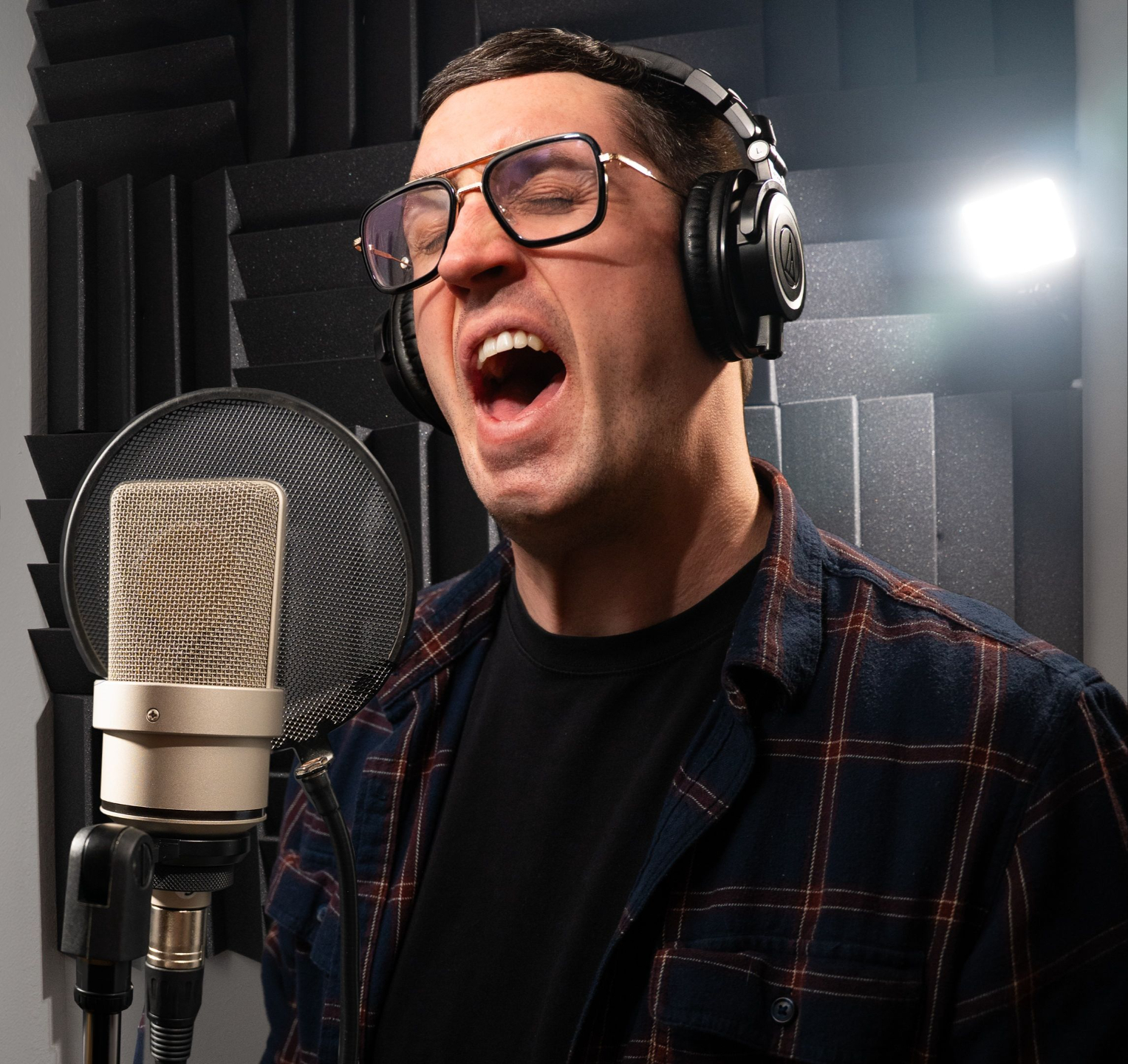
Spencer LeGros is a music producer, songwriter, and educator who has built an audience of more than 175,000 musicians across YouTube, Instagram, and TikTok. Through clear, practical tutorials and real-world production experience, he’s helped artists around the world record, produce, and mix better music from home.
In Studio Vocals at Home, Spencer breaks down the exact process he uses to turn raw vocal recordings into polished, release-ready performances.

Frequenty Asked Questions
Does my DAW matter?
No. The techniques taught in this course can be applied in nearly any modern DAW. While the buttons and menus may look slightly different, the recording, editing, pitch correction, effects, layering, harmony, and mixing principles remain the same.
Who is this course for?
Studio Vocals at Home is designed for artists, singers, songwriters, producers, and anyone who wants to create better vocals from home. The lessons are clear enough for beginners while still covering techniques that experienced creators can use to improve their workflow and results.
How long do I have access to the program?
How does lifetime access sound? After enrolling in Studio Vocals At Home, you have unlimited access to the program for as long as you like, across any and all devices you own. The program features 11 modules packed with skill-developing content and exercises. Start whenever you’re ready and learn at your own pace!
Do I need an expensive microphone or studio?
Absolutely not. You’ll learn how to get the best possible results from the equipment and recording space you already have. The course also explains which upgrades actually make a difference, so you can avoid wasting money on gear you don’t need.